Understand the uses of virtualisation
Install a OS
Be able to use a non Windows / Mac OS
Set up a OS to meet user needs
Source suitable software packages
Install software packages
Record sufficient evidence
Record problems encountered
Solve problems encountered
Work on outstanding work
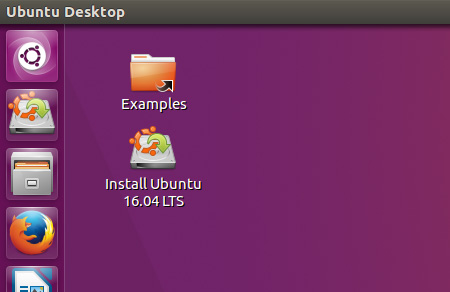
Today was our first day back after college and I had a very lazy break of the Christmas holidays because I just slept, ate and gamed a lot. Being back at college feels good in a way because I hate not staying active and being too lazy. In the morning, both groups combined and we got taught how to download and install a Virtualisation software and what they do. They are able to display what an operating system will look like and the user is able to test it. A let down of today was that I ran into a lot of errors while using this software that become very time consuming and frustrating.

No comments:
Post a Comment